Pay by card (Stripe), Wise in your currency, or Venmo, Zelle or PayPal (US customers). Card payments on items of $50 or more add a 6% processing fee.
The easiest way: send it to Toyoni
Send the link or a screenshot. A real person checks the Korean app, gives you one exact quote and handles the eligible task. No Toyoni account and no prepaid minutes.
Best value
Toyoni
What gets done
We help you check the bank's eligibility and document requirements, compare the name on your residence card with the name registered to your Korean SIM, guide you through the Toss steps, or help arrange an in-branch appointment. You complete the bank's identity checks yourself, and no money passes through Toyoni.
Why Toyoni
Human help in seven languages, one fixed quote before payment and proof when the task is complete
Completing the task yourself when this option covers what you need
The catch
It only gives you information. It does not drop the Korean-citizen rule: KakaoBank's signup still asks for a Korean ID and won't take a 외국인등록증. Toss puts out an official English guide, but you still need the residence card and an ID check. No English app does this for you.
With a Korean account
Korean bank account (Toss / KakaoBank)
Good for
People who meet the app's Korean account and payment rules
The catch
KakaoBank's signup is built for Korean citizens and won't take foreigner IDs. Toss Bank lets a registered foreigner open online, but only with an ARC (외국인등록증) and an ID check. Tourists can't open a normal account at either one.
Choose a chat app and send us the task
Get a fixed quote from a real person
We handle it and send proof
Messages from customers
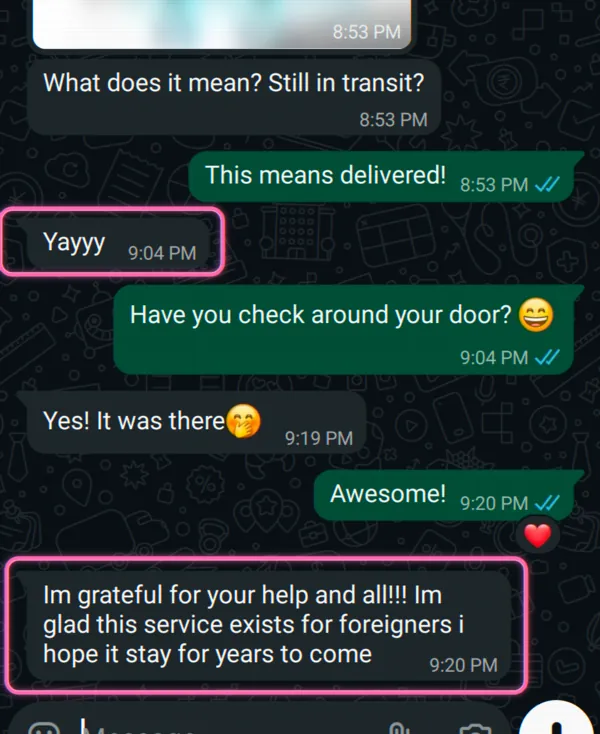
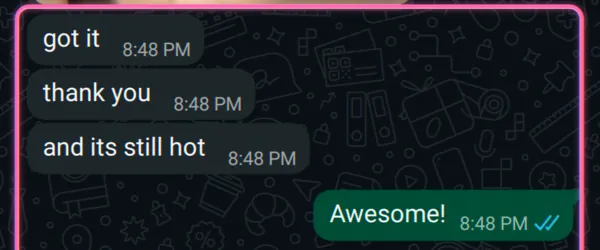
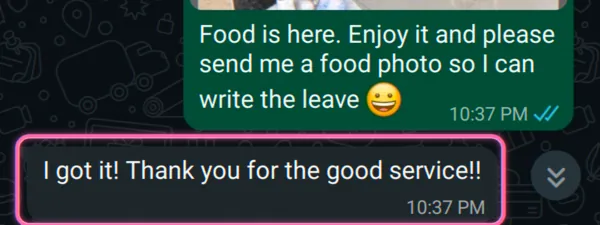
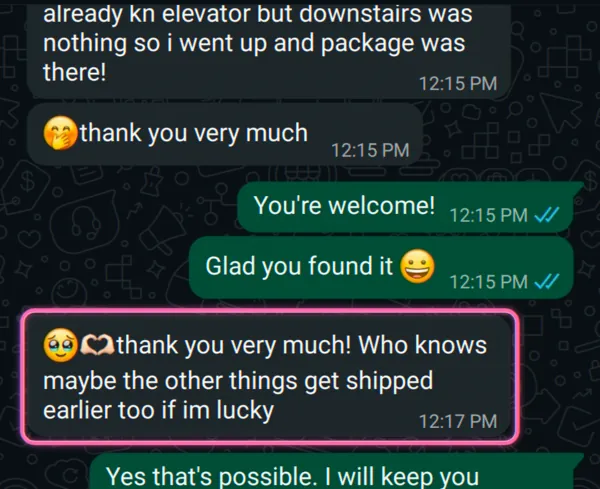
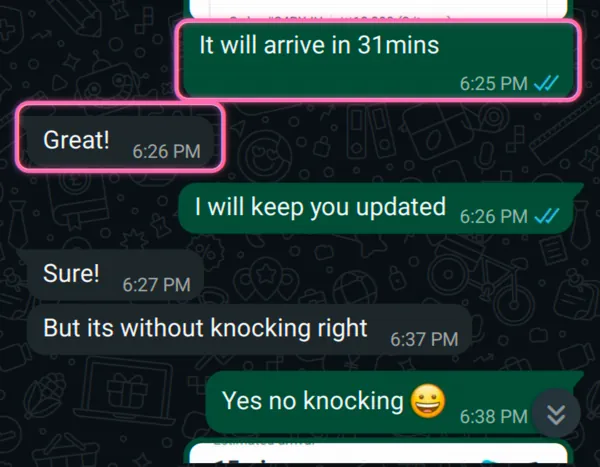
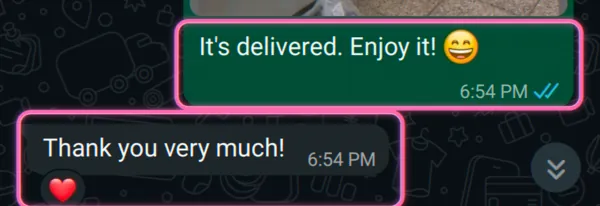
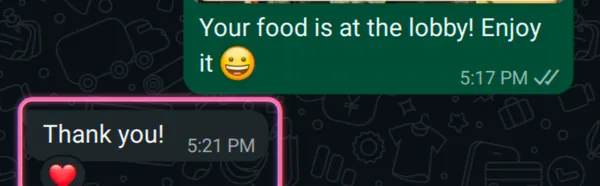
🇩🇪 Germany · Package help: “so glad this service exists for foreigners”🇮🇳 India · Food delivery: “and it's still hot!”🇧🇪 Belgium · Food delivery: “thank you for the good service!”🇩🇪 Germany · Parcel tracking: “thank you so much!”Food delivery · we tracked the arrival time and the “leave at the door, no knock” request, liveFood delivery · delivered, “thank you so much ❤️”Food delivery · brought up to the lobby, “thank you ❤️”🇫🇷 France · Bus tickets: “we'll probably call on you again”
Messages from Toyoni customers, shared anonymously.
Want us to handle it?
For a normal online account, KakaoBank limits eligibility to Korean nationals. Toss Bank supports registered foreign residents with accepted residence documents. Short-term visitors do not qualify for either app-based route.
What stops you
Both apps put a Korean ID check (본인인증) in front of signup, and that’s where foreigners split into two groups.
KakaoBank’s normal account is limited to Korean nationals. Its product eligibility and identity-document rules do not provide an account-opening route for foreign nationals. The English site provides information but does not change that eligibility.
Toss Bank is a yes, with rules. A registered foreigner can open online with an 외국인등록증 (ARC), 영주증 (permanent residency card), or 국내거소신고증 (domestic residence card), plus an ID check. The catch is that check: Toss pulls your Korean phone number carrier records, and the name on your SIM must match the name on your ID exactly or it fails.
Can you do it on your own?
Often, yes. If you’re a registered resident, here’s how to do it yourself on Toss:
Have your ARC, 영주증, or 국내거소신고증 ready.
Use a smartphone. If you don’t have a Korean number yet, Toss takes an NFC e-passport scan for the check instead.
Make sure your Korean SIM is registered in the same name as your ID before you start. This is where people fail most.
Follow Toss’s official English Tossfeed guide. It walks you through the app steps and lists the documents you’ll need.
There is no English app that removes the bank’s eligibility or identity checks. The KakaoBank English site provides information only. Toss’s English guide can explain the process, but you still need accepted residence documents and must complete the bank’s identity checks yourself.
A few things to know even on the Toss way:
Your new account opens as a 한도제한계좌 (a limited account capped around ₩300,000 a day) until you hand in income or address documents to raise it.
The whole app is in Korean outside that one guide.
You’ll want a working Korean line at some point anyway. See prepaid SIM to get the name-matched number that makes the check pass.
When doing it yourself won’t work
Get someone to do it for you (a Korean friend you trust, or Toyoni) when:
your SIM name doesn’t match your ARC and the 1-won or phone check keeps failing;
you don’t have an ARC yet and need an account now (some banks, like Woori, open a passport-only account in a branch by appointment, before the card arrives);
the mobile check won’t pass (a desktop-browser application sometimes clears it when the app won’t);
you’ve been told to “just use KakaoBank” and need someone to tell you straight that it isn’t open to you, so you don’t waste a week on a dead end.
How Toyoni helps
We provide setup help, not financial advice. We explain the bank’s eligibility and document requirements, help compare the name on your residence card with the name registered to your SIM, and guide the Toss steps. If an in-branch route may be available, we can help arrange the appointment. You submit your own identity documents and complete the bank’s checks yourself. No money passes through Toyoni.
How we handle your information
We explain what the task requires before you share anything. For tasks done on our account, we use our own verified Korean details.
You share only what the approved task needs. You can start chat without identity or account details. If you go ahead, we explain which name and SIM records the bank requires. No money passes through Toyoni.
Your card details stay with Stripe. You enter them on Stripe's checkout page. Toyoni does not receive or store your full card number.
You can ask us to delete your information. Contact us whenever you want us to remove what we hold.
Can foreigners open a Korean bank account with Toss or KakaoBank?
Foreigners generally need resident documentation and a Korean phone number in their own name. Toss and KakaoBank can be part of the setup once those pieces exist, but they are not a shortcut for short-term visitors with only a passport and data eSIM.
Can foreigners open a KakaoBank account?
No, not a normal deposit and withdrawal account. KakaoBank's signup is for 만 14세 이상 내국인 (Korean citizens 14 and up), it needs a phone line in a Korean name, and its own FAQ says 외국인등록증 and IDs like it can't be used. Use Toss Bank instead, or go to a bank's foreigner or global branch in person.
Can I open a Korean bank account as a tourist with no ARC?
Not a normal account at Toss or KakaoBank. Both need a residence card and an ID check. Some banks (like Woori) let you open a passport-only account in a branch before your ARC arrives, by appointment. Toyoni can help you set that up. The apps won't let you do it on your own.
Why does my phone check keep failing on Toss?
This is what stops the most people we see. Toss pulls your carrier records, and if the name on your Korean SIM doesn't match the name on your ARC exactly, the check fails. Fix the SIM registration first. If you have no Korean number yet, Toss takes an NFC e-passport scan instead.
I opened a Toss account but I can't move money. Why?
New accounts open as a 한도제한계좌 (limited account), capped around ₩300,000 a day, until you hand in documents that prove income or address. This is a normal step to stop fraud, not a rejection. Toss's guide lists the documents that raise the limit.