If a Coupang payment screen keeps looping, separate the three requirements: account access, phone verification, and payment. Different users reach different checkout paths, which is why reports about foreign cards and prepaid SIMs conflict.
What is actually stopping you
You can open Coupang, browse, and type in a Korean delivery address. The trouble starts when you pay. Almost the whole consumer flow is in Korean (account buttons read 회원가입/로그인, and there is no foreigner sign-up flow up front). The step that really stops you is 본인인증: Korea checks your real ID. It runs through a Korean phone number in your own name. The payment fields ask for 통신사명/휴대폰번호 and 내/외국인정보, and the outside checker is 한국모바일인증.
The main account check is your identity tied to a Korean phone line. The English setting and overseas-card option do not remove that requirement.
Can you do it on your own?
Often yes, if you are a resident or long-stayer with a Korean number. Here is how to do it:
- Switch the app to English first. My Coupang → language → English (Beta) puts search, listings, order info, and payment into English. Be clear about what this does: it changes the words only. It is not a separate global checkout, and it does not skip the Korean phone or ID check.
- Sign up with email and add a Korean number. Linking takes an SMS code, not a full ID check, so a prepaid SIM can get you in.
- Pay in the mobile app, not on the web. The web payment screen usually has no foreign-card option. The app shows an “overseas card / 해외발급카드” choice at the bottom of the payment screen. Before you try, turn on online (card-not-present) payments with your home bank, and expect a code on your first payment.
This does not work the same for everyone. It works for many residents and students. It fails or gets blocked for others. Tourists with no Korean number at all are usually stuck, which is why Japanese travel guides tell short-stay visitors to use hotel delivery instead.
When doing it on your own will not work
Get someone to do it for you (a Korean friend you trust, or Toyoni) when:
- you have no ARC or Korean number (common in your first one to two months here, while your ARC is still being processed);
- the payment screen keeps looping, or the overseas-card option will not link or clear;
- you are a short-stay visitor who just needs items sent to a hotel or Airbnb;
- the order needs someone to receive it: a door code (공동현관 비밀번호), a “leave it at the front desk” note, or a person who speaks Korean;
- something might need a refund or return, where the account-holder-only rule on refunds and support would shut you out.
How Toyoni helps
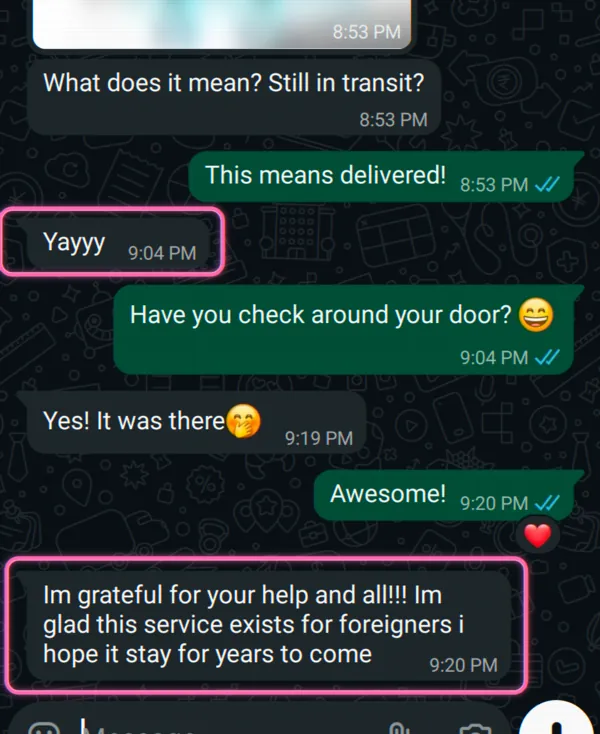
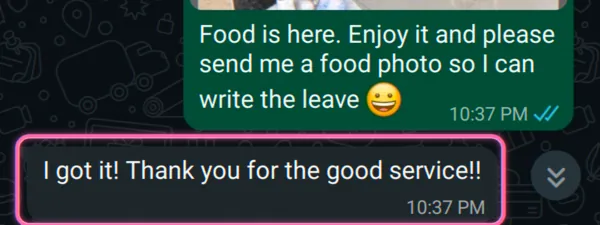
Start chat with the task only. After you approve the quote, we ask for the product, options, and delivery details, place the order through a working Korean account, and send the order and tracking information.
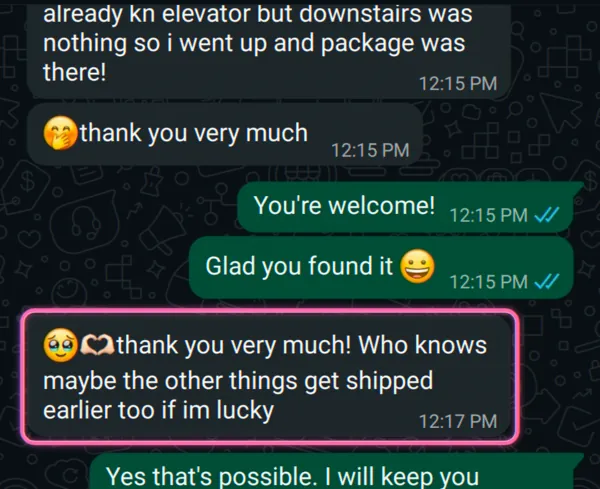
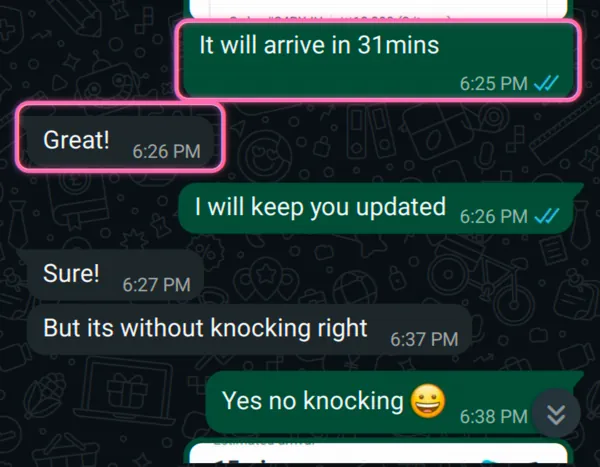
The order stays inside Korea, and delivery timing follows Coupang’s estimate for the item and address. Because we place the order, we can also handle account-holder support for a return or refund request. Merchant refund rules still apply. For other Korean-only shopping problems, see Olive Young and Musinsa.
FAQ
Can I order on Coupang without an ARC, with a Korean delivery address?
Sometimes, but you cannot count on it. You can get to the payment screen and type in a delivery address. The step that stops you is 본인인증: Korea checks your real ID through a Korean phone in your own name. Some short-stay visitors get one small order through on a foreign card, then get blocked later. Many people with no Korean number at all are just stuck. If you need it to actually show up at your hotel, this is where doing it on your own falls apart.
Does switching Coupang to English fix the problem?
No. The English (Beta) screen (My Coupang → language → English) puts search, listings, order info, and payment into English, so the words stop being a problem. But it is not a separate global checkout, and it does not skip the Korean phone or ID check. English screen yes. Skip 본인인증 no.
Will my foreign Visa or Mastercard work on Coupang?
Foreign cards are not a flat no, but they do not always work. The web payment screen often has no foreign-card option, while the mobile app shows an 'overseas card / 해외발급카드' option at the bottom of the payment screen. First you usually need to turn on online (card-not-present) payments with your home bank and clear a code on your first payment. It works for many residents and students and fails or gets blocked for others. The real gate is the phone and ID check, not the card.
Why not just have a Korean friend order for me?
It works until something goes wrong. Refunds go back to the account holder, not you, and Coupang support will only talk to the account owner. If an item is wrong, broken, or needs to go back, you cannot sort it out yourself. That is the gap we close: we run the order on a setup where we can fix it for you.
How should foreigners enter a Coupang delivery address in Korea?
Use the Korean road-name address, then add the building, room, hotel, lobby, or door-code note in the detail field. The delivery-address step can work before payment does; payment and ID verification are separate problems.